Amazing Tabs
Save and Spotlight-search your browser tabs across devices
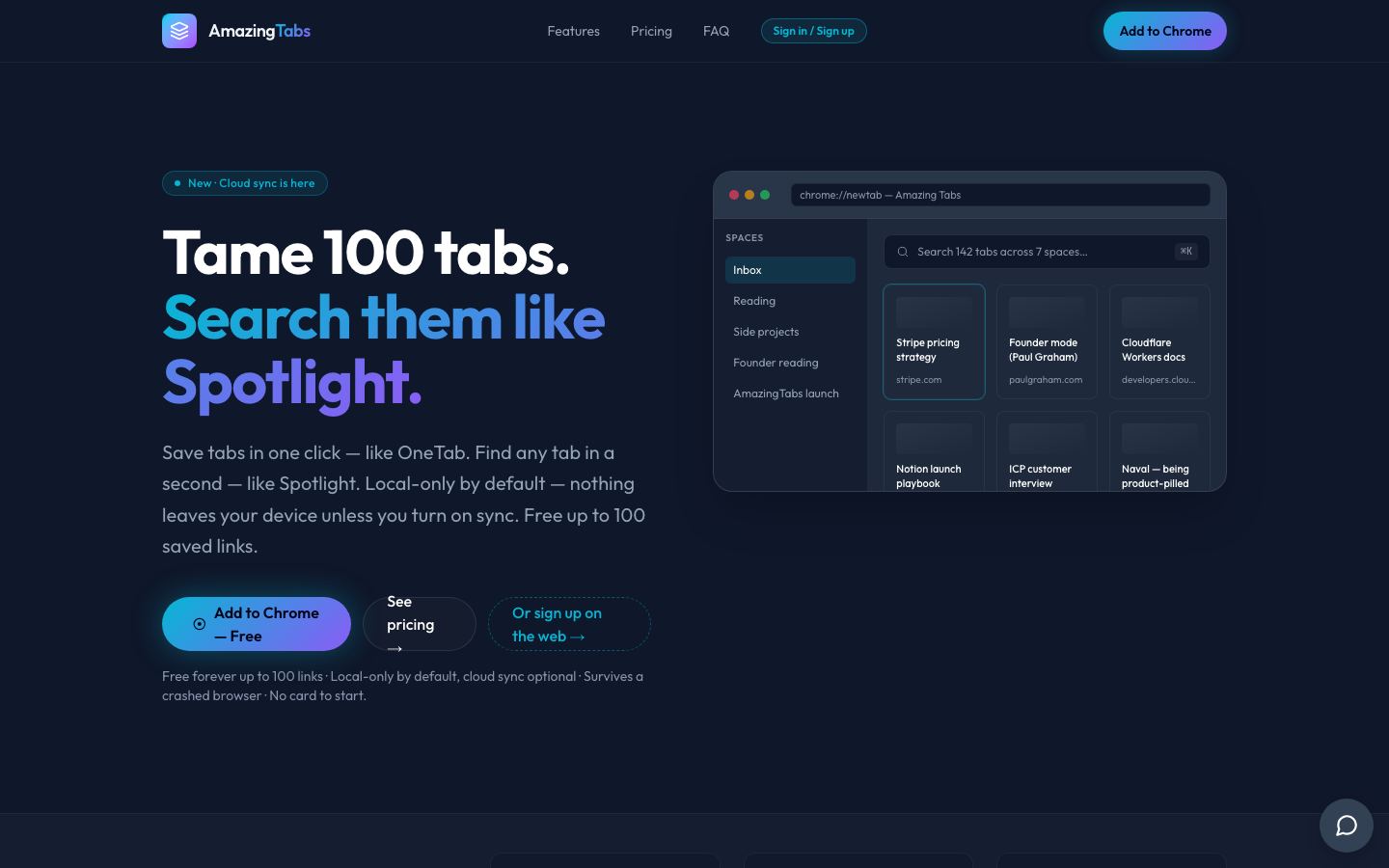
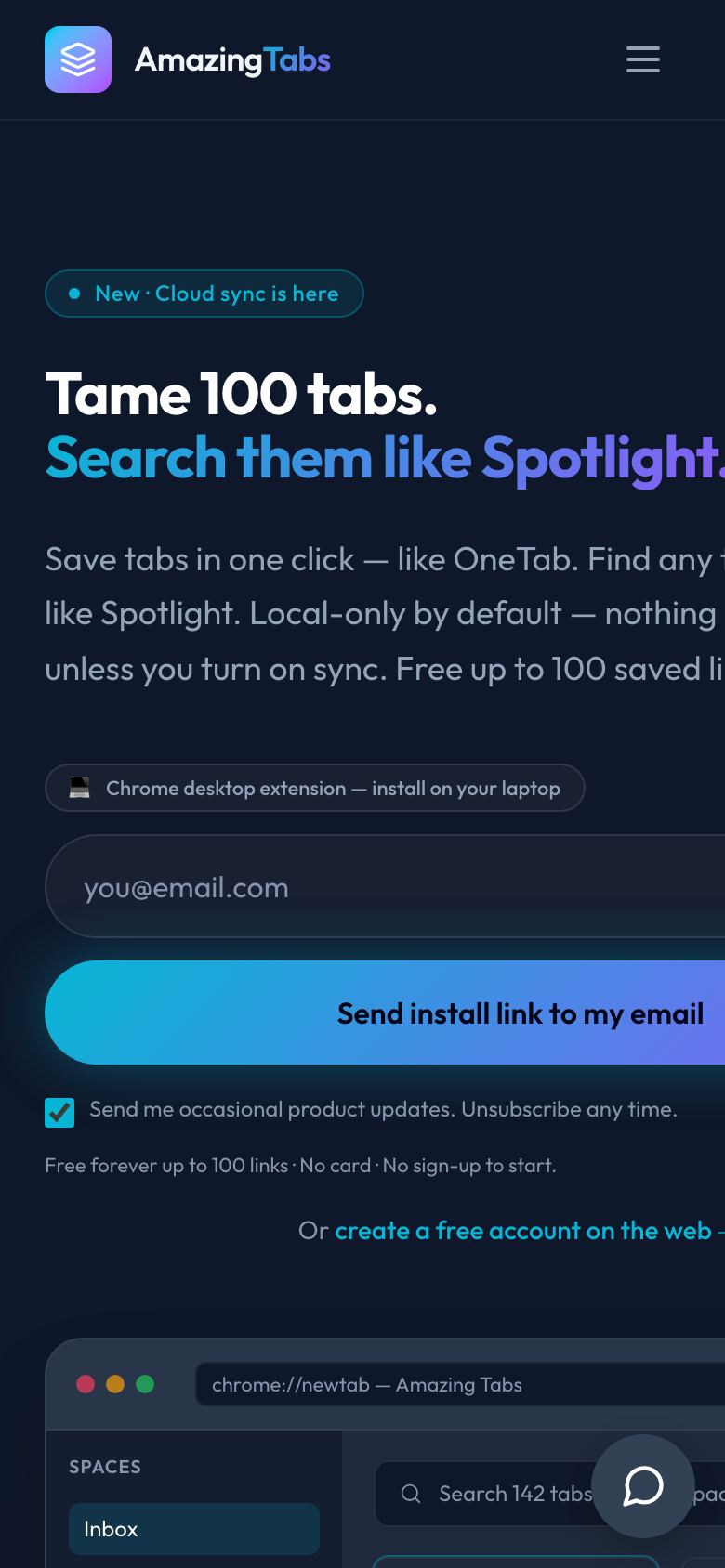
Amazing Tabs is a Chrome extension and web app for saving open tabs into named spaces and finding them again instantly with a Spotlight-style Cmd+K search. It stores data locally by default, with optional cloud sync for working across devices.
- Category
- Browser tab manager
- For
- People who keep many browser tabs open and want to find them again
- Model
- Free up to 100 links; Premium $2.90/month ($34.80/yr); Lifetime $99 one-time
- Status
- Live
The problem.
People who kept 100+ tabs open had to choose between tab managers that were bloated or abandoned, paid tools with no free tier worth using, or local-only tools that lost everything when a browser crashed or a profile was wiped.
What we built.
- Chrome extension for one-click saving of a tab or whole window into named spaces
- Spotlight-style Cmd+K search across tab titles, URLs and personal notes
- Optional cloud sync backed by a private per-user Firebase EU account
- Automatic daily backups that survive a crashed browser or wiped profile
- Stripe billing for a monthly subscription and a one-time lifetime plan
- A comparison page benchmarking against OneTab, Toby and Workona
What it does.
One-click tab save
A tab or whole window is saved into a named space with one click, like OneTab.
Cmd+K instant search
Saved tabs are searched by title, URL or note across every space at once.
Cross-device sync
Premium accounts sync saved spaces across a laptop, work machine and home Mac.
Automatic backups
Saved spaces are backed up daily to a private Firebase EU account so a crashed browser doesn't lose them.
Local-first privacy
Tabs stay on-device by default; cloud sync is an explicit opt-in.
Lifetime pricing option
A one-time payment unlocks Premium permanently instead of a recurring subscription.
Built with.
Tell us what should exist.
Thirty minutes. You leave with a fixed price and a start date. Build €6,900 once, then Run from €1,900 a month — or a straight answer that we're not the right fit.